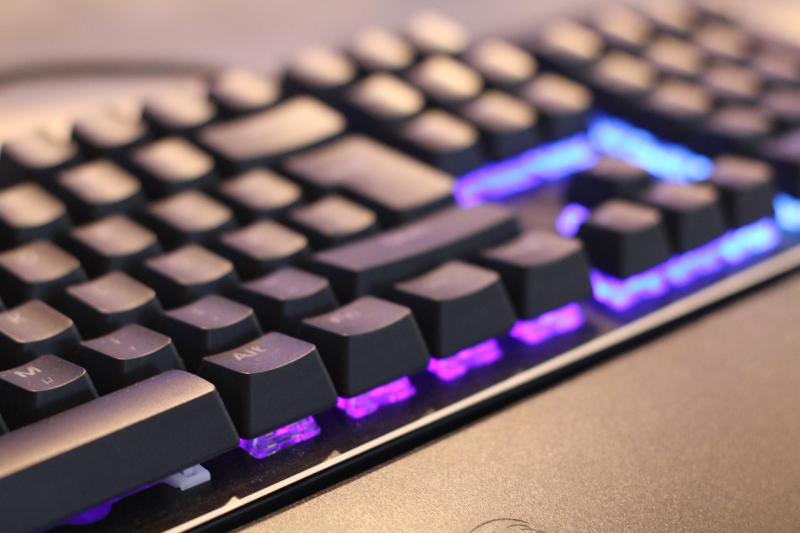
Mechanical keyboards are popular for plenty of good reasons. First off, they offer a fantastic typing experience. Each key has its own switch, which gives you a satisfying click or bump with every press. This feel makes typing fun and more precise, especially if you spend hours on your computer for work or gaming.
Durability is another big perk. Mechanical keyboards tend to last a lot longer than regular ones. Those switches can handle millions of keystrokes—so you won’t have to worry about them breaking down anytime soon. This means you'll save money in the long run, since you won’t need to replace your keyboard every few years.
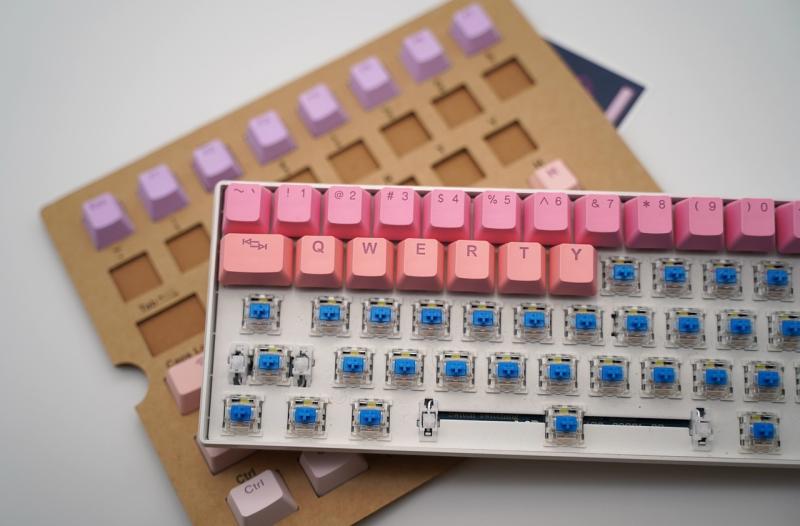
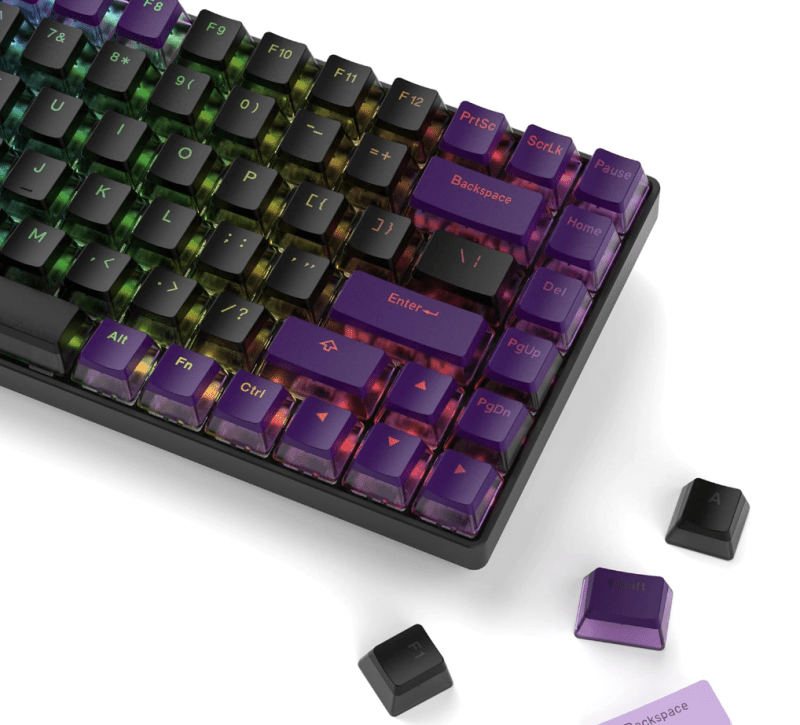
Customization options are also a highlight. From different key switches to colorful backlighting, you can make your setup truly yours. Fancy blue switches for that clicky sound? Got it. Quiet red switches for late-night gaming? No problem. Plus, many mechanical keyboards let you swap out keycaps, so you can change the look whenever you feel like it.
And let’s not forget about ergonomic designs. Many mechanical keyboards come with features that make typing more comfortable, like wrist rests and adjustable heights. This helps reduce strain on your hands during long typing sessions—definitely a win for anyone who spends a lot of time on the computer.
Types of Mechanical Switches Explained
Mechanical switches are the heart of a mechanical keyboard, and choosing the right one can seriously affect your typing experience. Here’s a quick rundown of the most common types of switches you’ll find on the market.
Cherry MX Switches are probably the most well-known. They come in different colors, each representing a unique feel and sound. For instance, Red switches are smooth and quiet, making them great for gamers. If you like a bit of a click with your keystrokes, Blue switches deliver a satisfying sound and tactile feedback. Brown switches hit a sweet spot between the two, giving you a gentle tactile bump without the loud click.
Then there are the Razer Switches, which bring their own twist. They’re designed for gaming and offer features like faster actuation. Whether you choose the Razer Green for that iconic click or the Razer Yellow for a quieter experience, there’s something for everyone.
Gateron and Kailh switches are two other popular options. Gateron switches are known for their smoothness, while Kailh switches offer a good variety and are often more budget-friendly. Both brands provide a delightful typing experience, so it just comes down to personal preference.
Don’t forget about optical switches as well. These are gaining traction because they use light-based technology, which can offer faster response times. They’re great for those who take their gaming or typing speed seriously.
Choosing the Right Size for You
Picking the right size for your mechanical keyboard is super important. It can really affect your comfort and how you use it. Most people don’t realize that keyboards come in different sizes, and each one has its perks.
Full-sized keyboards are the big guys on the block. They usually have all the standard keys, plus a number pad. If you do a lot of number-crunching or work with spreadsheets, this could be your go-to. It gives you everything you need without sacrificing anything. But, if space is tight on your desk, you might want to think about a smaller option.
Tenkeyless keyboards skip the number pad and focus on the main typing area. This gives you a bit more desk space, which is great for those who like to keep things tidy. Plus, they’re often lighter and easier to transport if you plan on taking your keyboard to work or gaming events.
Then there are the compact keyboards. These come in different layouts, like 60% or 65%, and are perfect for minimalists or folks who want to save every inch of space. They ditch the function row and sometimes even arrow keys, but don’t worry; you can still control everything you need with some clever key combos.
So, think about how you'll use your keyboard, your desk space, and what feels comfortable for you. Everyone has their own preference, so just go with what feels right! Your hands will thank you later.
Tips for Maintaining Your Keyboard
Keeping your mechanical keyboard in tip-top shape is easier than you think! A little routine maintenance goes a long way in extending its lifespan and keeping it looking fresh. Here are some handy tips to keep your keyboard feeling brand new.
First off, make it a habit to regularly clean your keyboard. Dust, crumbs, and other debris love to sneak between those keys. A quick weekly wipe-down with a microfiber cloth can work wonders. For a deeper clean, you can carefully remove the keycaps with a keycap puller and wash them in warm, soapy water. Just be sure to check if your switches are hot-swappable or not—some don’t like to be disturbed!
Next, think about the switches. If you notice any sticking or weird noises when typing, it could be due for some lubrication. Not all switches need it, but a light application can really help smooth things out. Just make sure you're using the right kind of lubricant designed for mechanical switches to avoid any damage.
Also, pay attention to the cable. If your keyboard has a detachable cable, keep an eye on it for signs of wear. Avoid yanking it out or twisting it too much. A little care here will help you avoid connectivity issues down the line. If your keyboard is wired, try to route the cable in a way that keeps it from getting damaged or tangled.
Lastly, giving your keyboard a break is just as important as cleaning it. If you're gaming or typing for a long time, remember to give your wrists and fingers a rest. Not only does this keep you feeling good, but it also prevents wear on the keyboard switches. A happy keyboard means a happier typing experience!